Two-step verification
Protect accounts with an authenticator app and recovery codes, and require it for your organization.
Gatehouse supports authenticator apps (TOTP), like 1Password, Google Authenticator, Microsoft Authenticator or Authy.
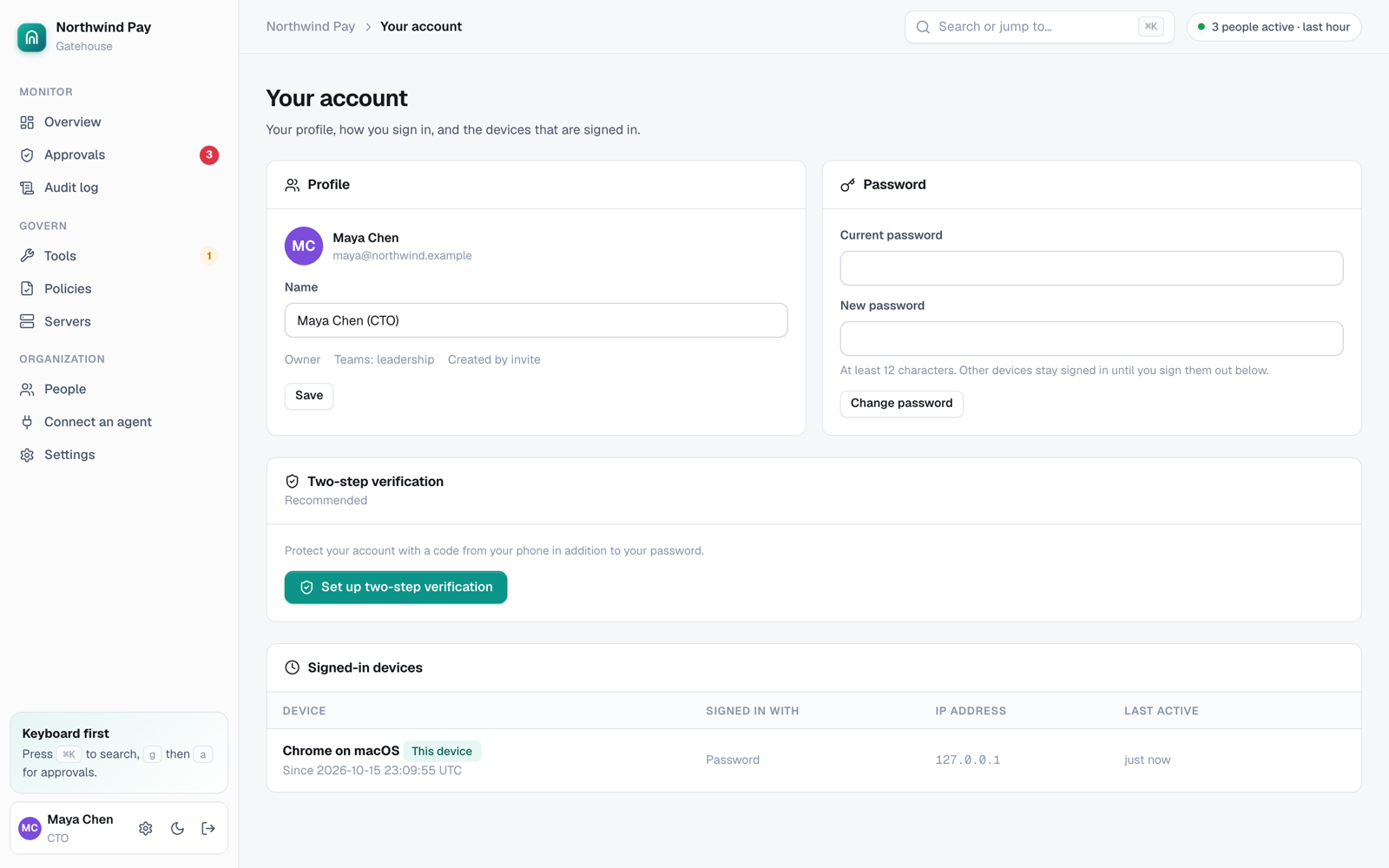
Turn it on for yourself
- Open Your account → Two-step verification → Turn on.
- Scan the QR code, or type the setup key into your app.
- Enter the 6-digit code to confirm.
- Save your 10 recovery codes somewhere safe. Each works once, in place of a code.
You can generate new recovery codes any time. That cancels the old ones.
Require it for your organization
Owners choose under Settings → Security → Two-step verification:
- Nobody (people can still turn it on).
- Owners, admins and auditors.
- Everyone.
People who must use it and haven't set it up are sent to the setup screen after they sign in, and can't use the console until they finish.
Also after single sign-on asks for a Gatehouse code after SSO too. Leave it off if your identity provider already enforces MFA.
Lost device
Use a recovery code to sign in, then set up the new device. If you've lost your codes too, an admin can Reset two-step verification on your People page. You'll set it up again at your next sign-in.