One-click servers, time-limited access and approvals that stick
This release is about removing friction for the people using Gatehouse every day, without loosening any of the controls security teams rely on.
#Connect services in one click
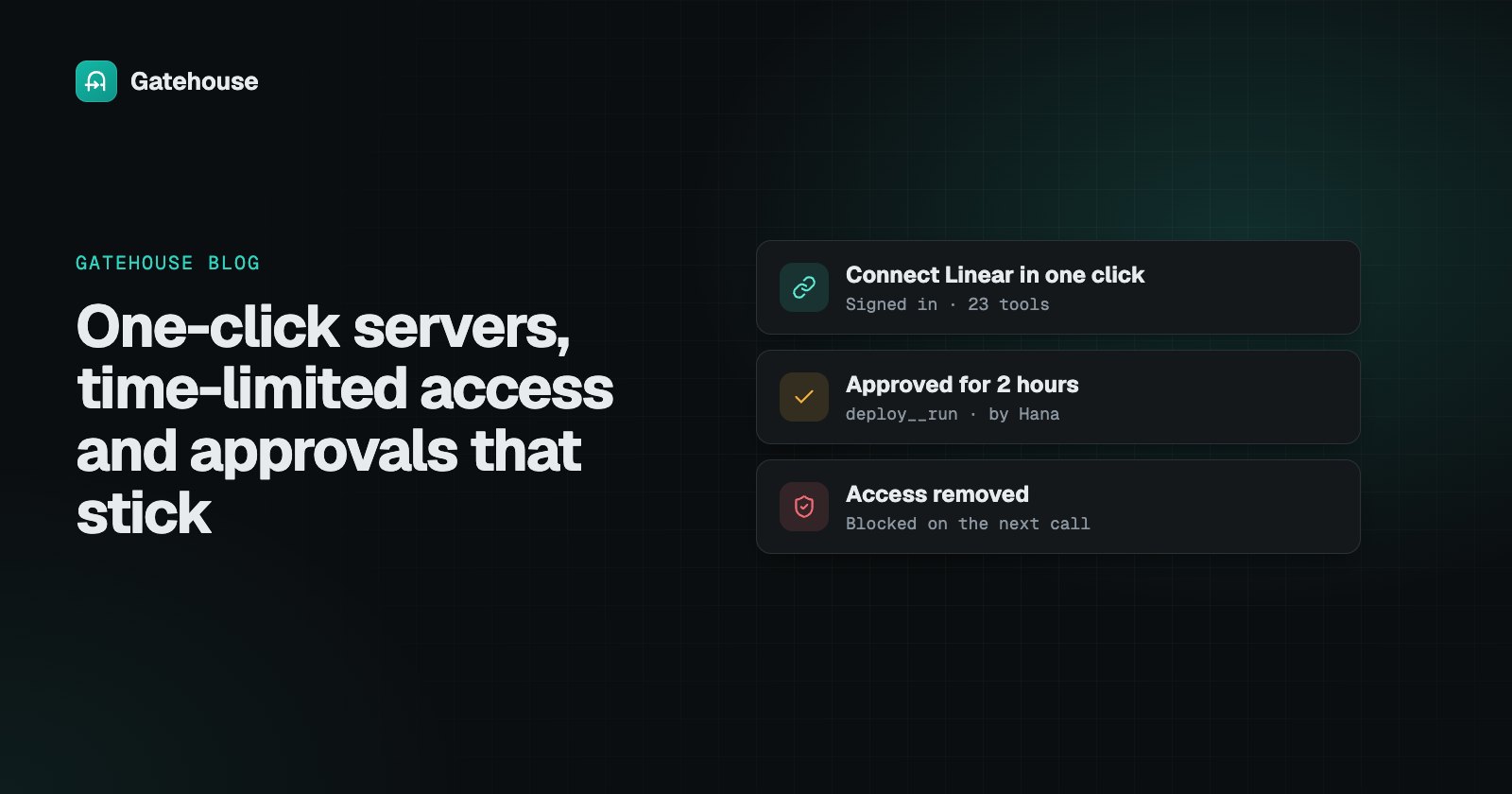
Many hosted MCP servers sign in with an account rather than an API key. In Add server, pick Linear, Sentry, Notion, Atlassian, Stripe, Supabase, Vercel, Intercom, monday.com, Canva, Figma, PayPal or SE Ranking, approve access on their site, and you're back with the server added and its tools listed, turned off until you enable them.
Gatehouse registers itself with the service, keeps the refresh token encrypted and renews access on its own. Agents never see any of it. Paste any other URL and Gatehouse works out how it signs in as you type.
Two related additions:
- Google Workspace. Gmail, Drive, Calendar, Docs, Sheets and more with one Google sign-in, read-only if you choose.
- Service accounts. Machine sign-in with a client ID and secret, for services like MongoDB Atlas, with no person in the loop.
#Approve once, for a while
Approving the same staging deploy five times in an afternoon isn't oversight, it's friction. Now an approver can approve for 1, 2, 8 or 24 hours, in the console or with Approve for 2h in Slack.
The grant is narrow on purpose: same person, same tool, same approval policy. A deny policy still wins, a separate production rule still asks, and every call is still logged as approved, with the approval it came from. End now cuts it short.
Access requests and policies can be time-limited too: grant a contractor access for a week, or write a policy that ends on its own after an incident.
#Revocation that takes effect immediately
We tested the question a security reviewer asked us: if an admin removes access during an incident, does an agent that's already connected lose it, or only after reconnecting?
It loses it on its next call. Every call checks the tool, the server, the policy, the person and the token when it's made. Some apps keep showing a removed tool until they reconnect, but calling it is refused and logged.
The reverse used to need a reconnect: apps like Claude's connectors keep the tool list from when they connected. Agents can now use newly granted tools straight away with gatehouse__find_tools and gatehouse__call_tool, which go through exactly the same checks as a direct call.
#Errors that tell you what to do
Test connection tries a server's settings before you save and names the problem: a host that doesn't exist, a rejected key, a key in the wrong header, an old SSE-only endpoint, a program that won't start. When a key works in a different header, it offers the fix in one click.
#Slack and email from the console
Slack approvals and outgoing email are now set up in Settings → Slack & email, with a one-click Slack app, test buttons that explain failures, and presets for Amazon SES, Google Workspace, Microsoft 365, SendGrid and Postmark. No server restart is needed. Throughout the console, tooltips and ? links now open the right help article.
All of it is available today on the hosted service and in the self-hosted image.